Marketing Design Library
The Figma library behind every ProvenExpert marketing campaign
At ProvenExpert, the marketing team kept rebuilding the same badges, headers and review elements for each campaign. I set up a Figma library with our colors, logos, campaign components and illustrations — so designers, freelancers and the social team can reuse what's there instead of starting over.
Company
ProvenExpert
Role
Design Systems Lead
Focus
Design Systems & Marketing
Year
2024
The duplicate asset problem
Before the library, every designer kept their own versions of our logos, badges and icons across different files. New freelancers couldn't see what we'd shipped or how our campaigns usually look. I wanted one place that held all of it — where anyone new could catch up on our direction in minutes.
Colors, logos, base
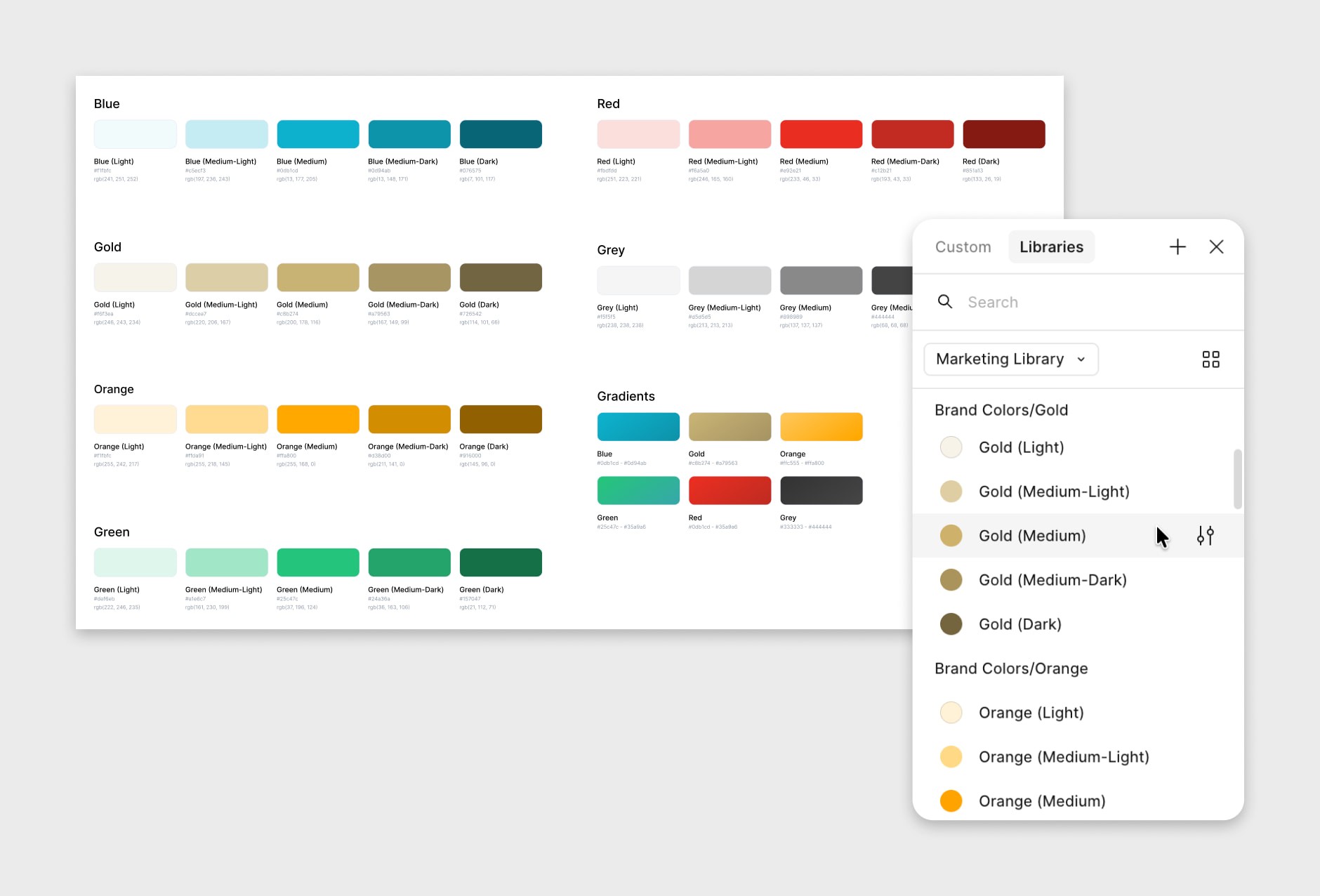
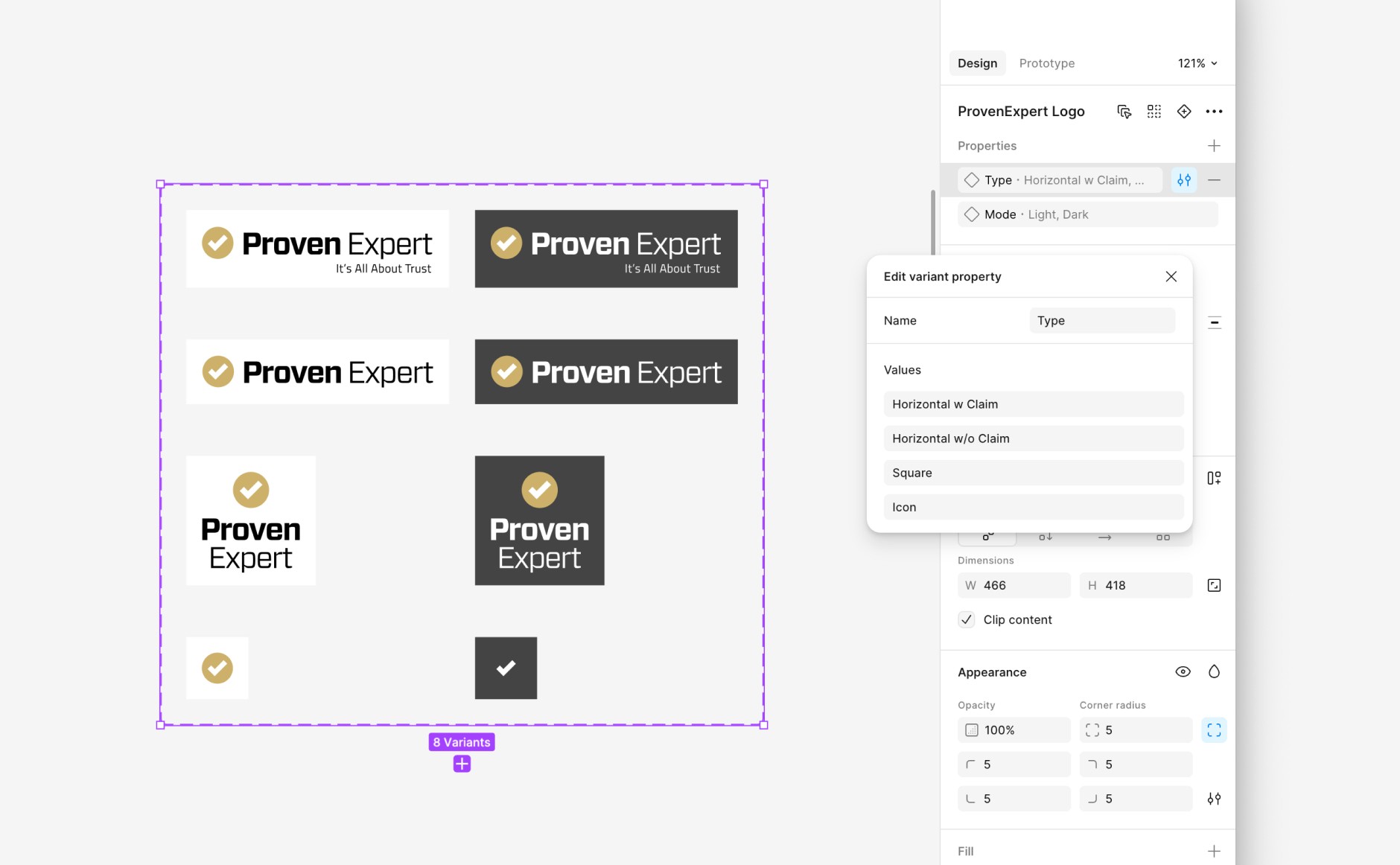
I started with the foundations: our brand colors as Figma styles, and a logo component with eight variants — horizontal with and without claim, square and icon-only, each in light and dark. Any designer can drop in the right version without digging through folders.
Campaign components
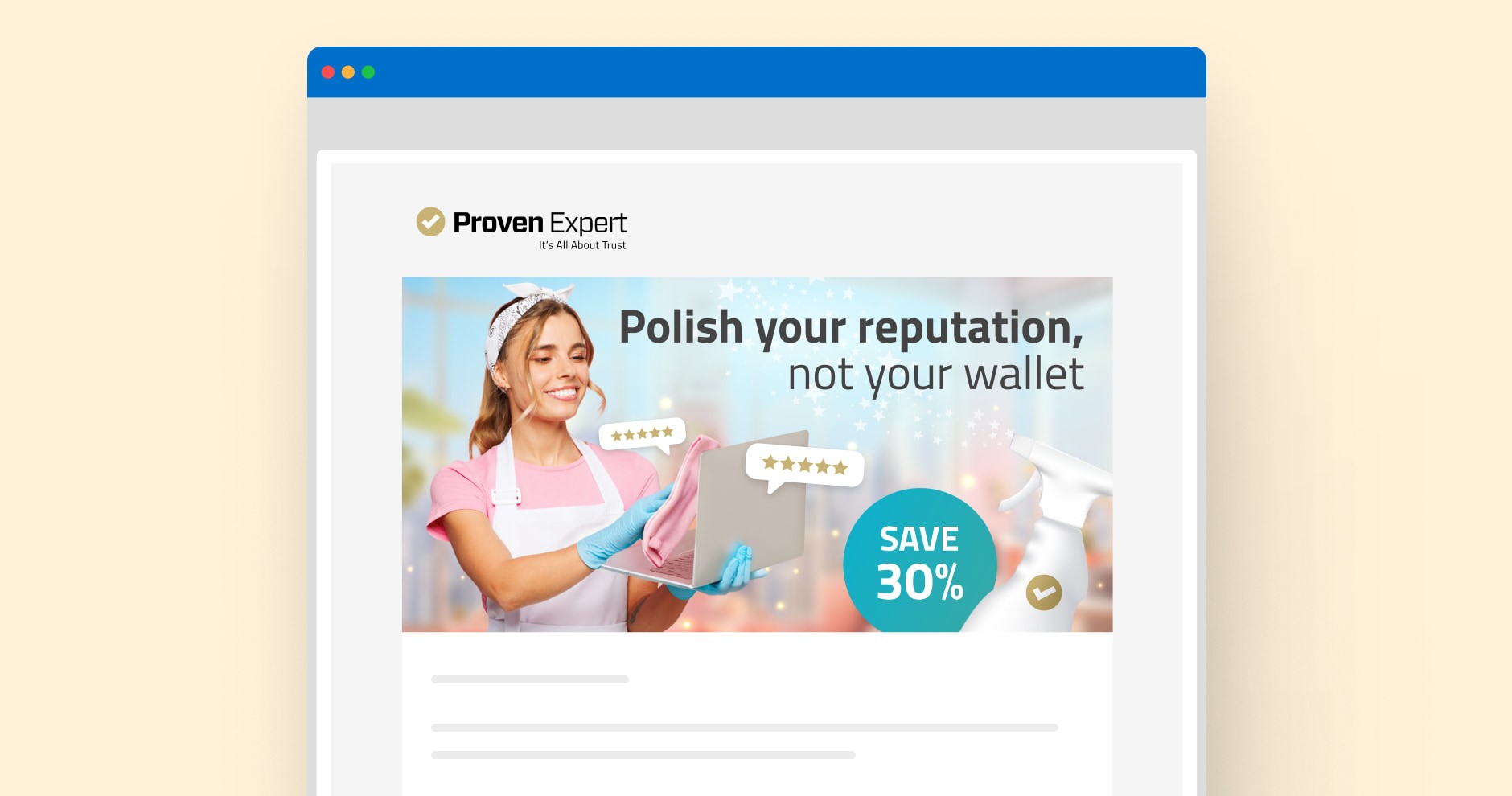
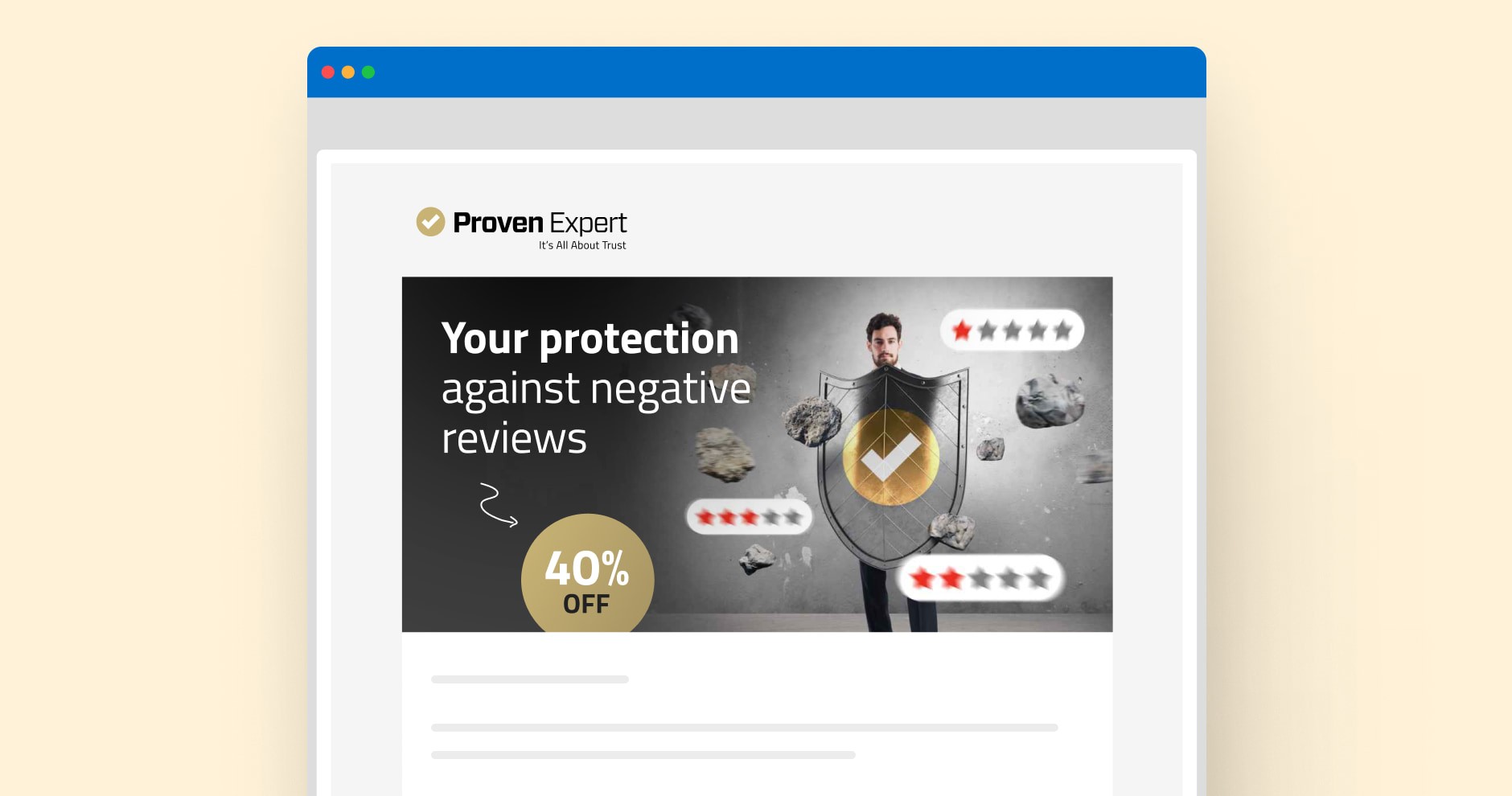
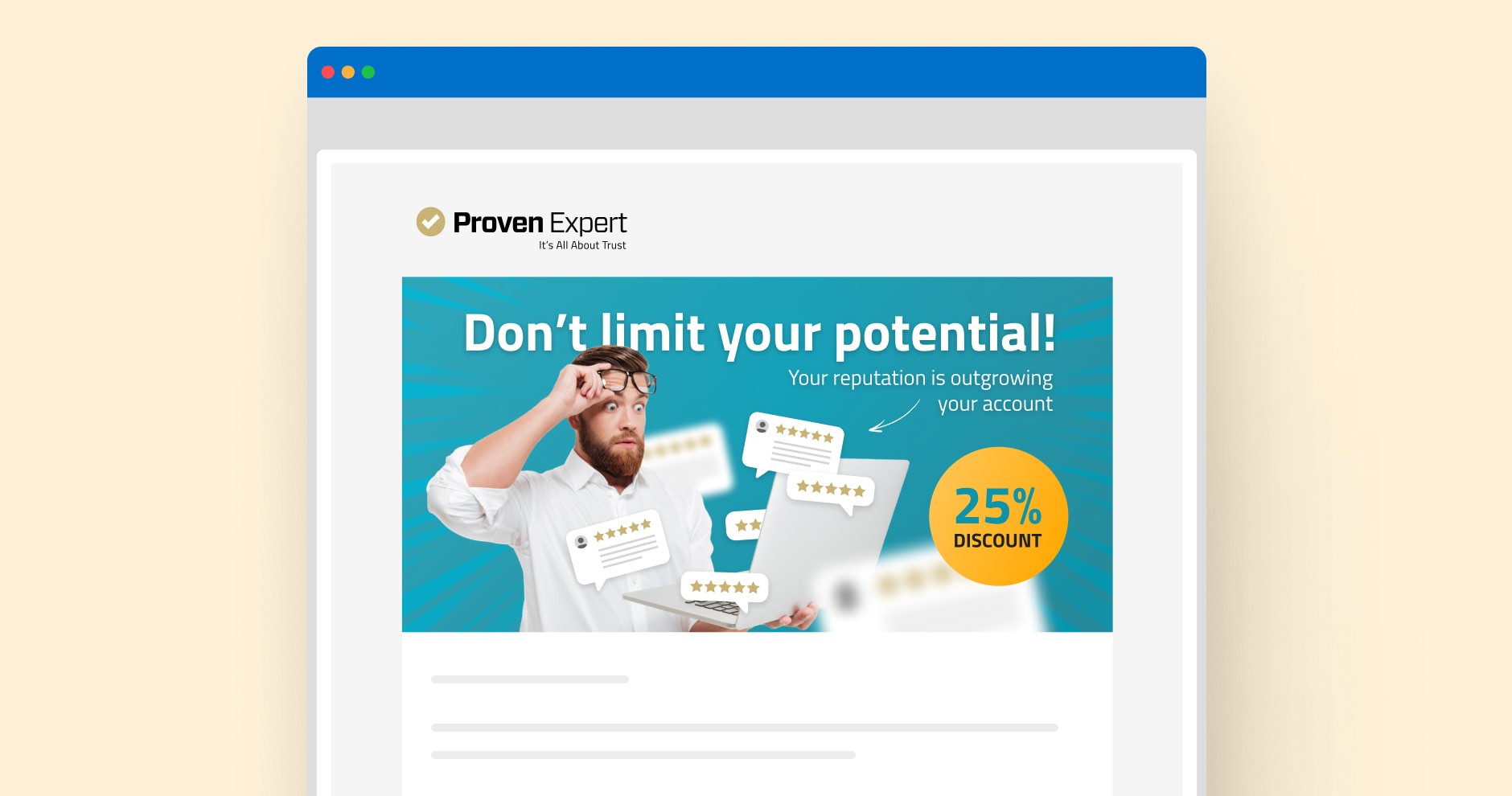
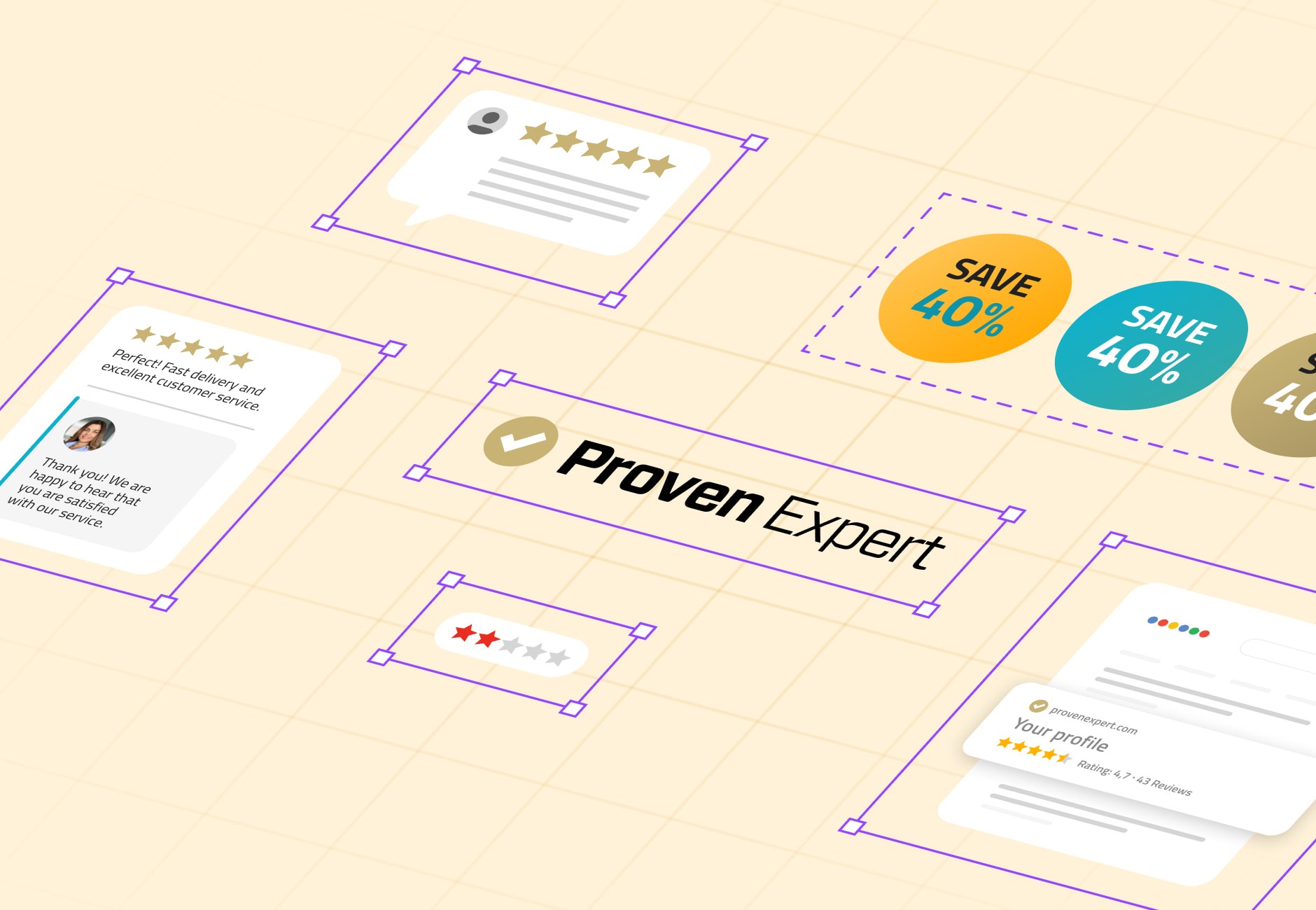
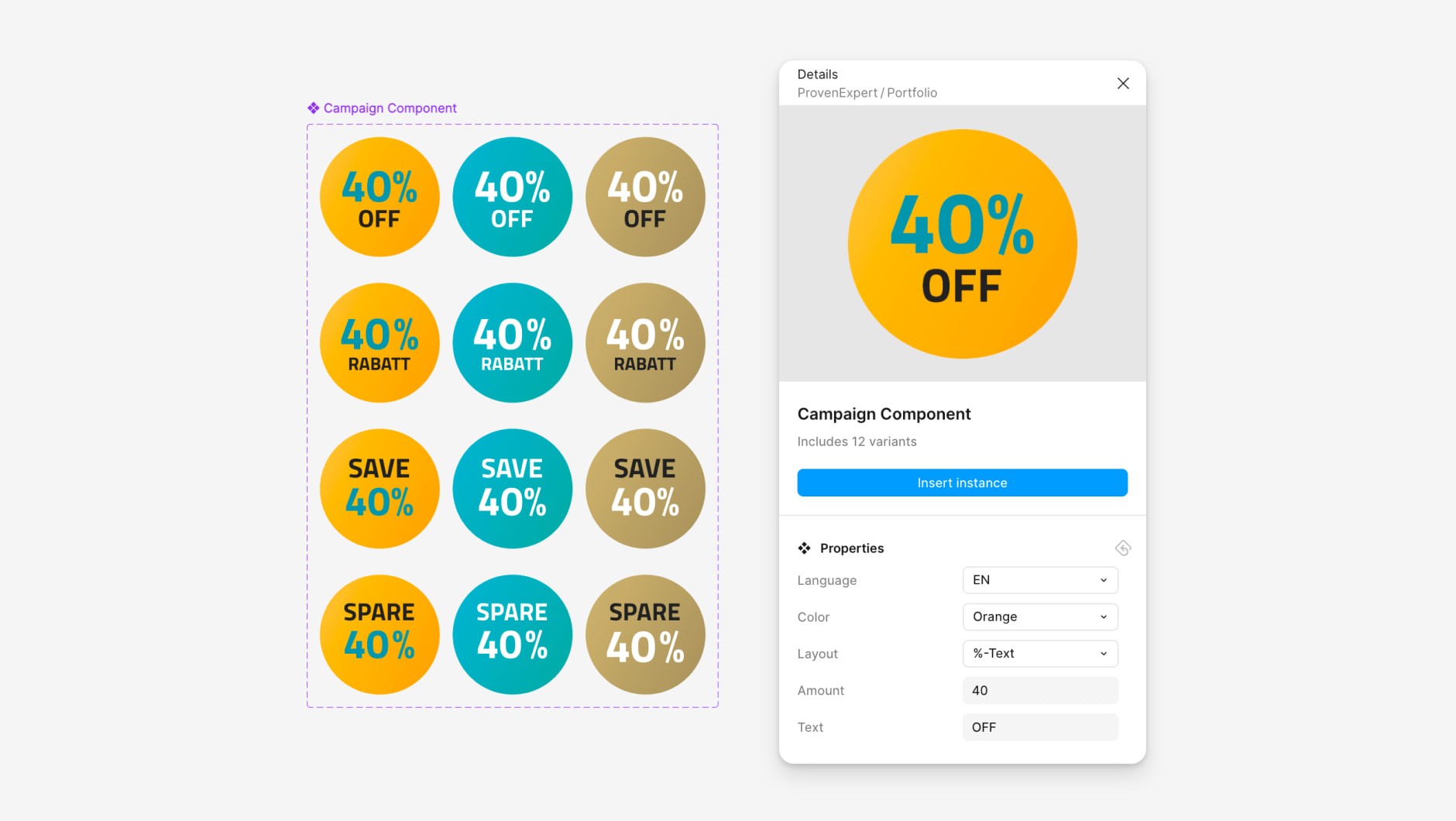
The campaign elements are the most-used pieces. A discount circle has twelve variants — three colors, two layouts, English and German — and you set the number and label through component properties. Text and background colors are paired upfront, so they always work together.
Icons and illustrations
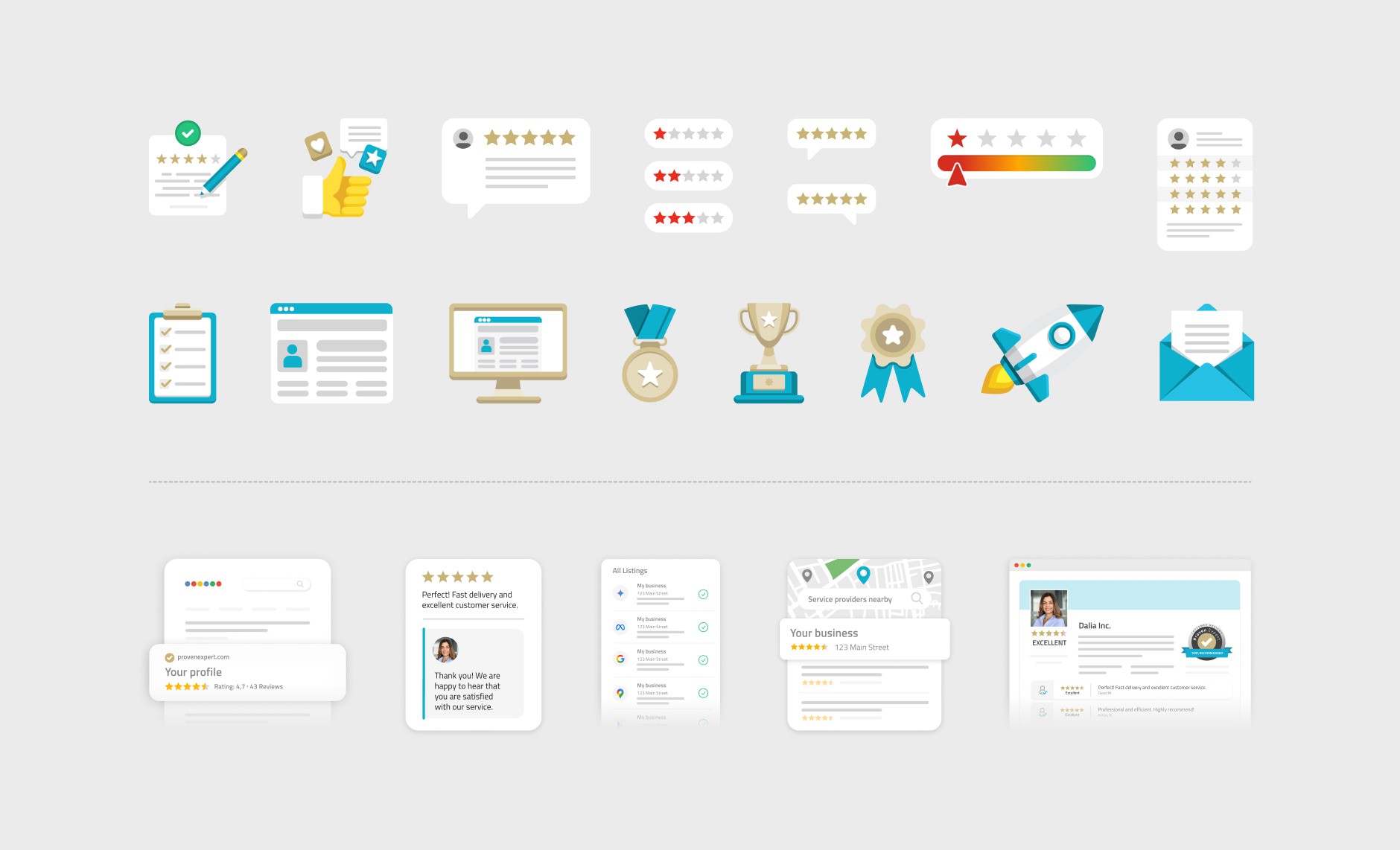
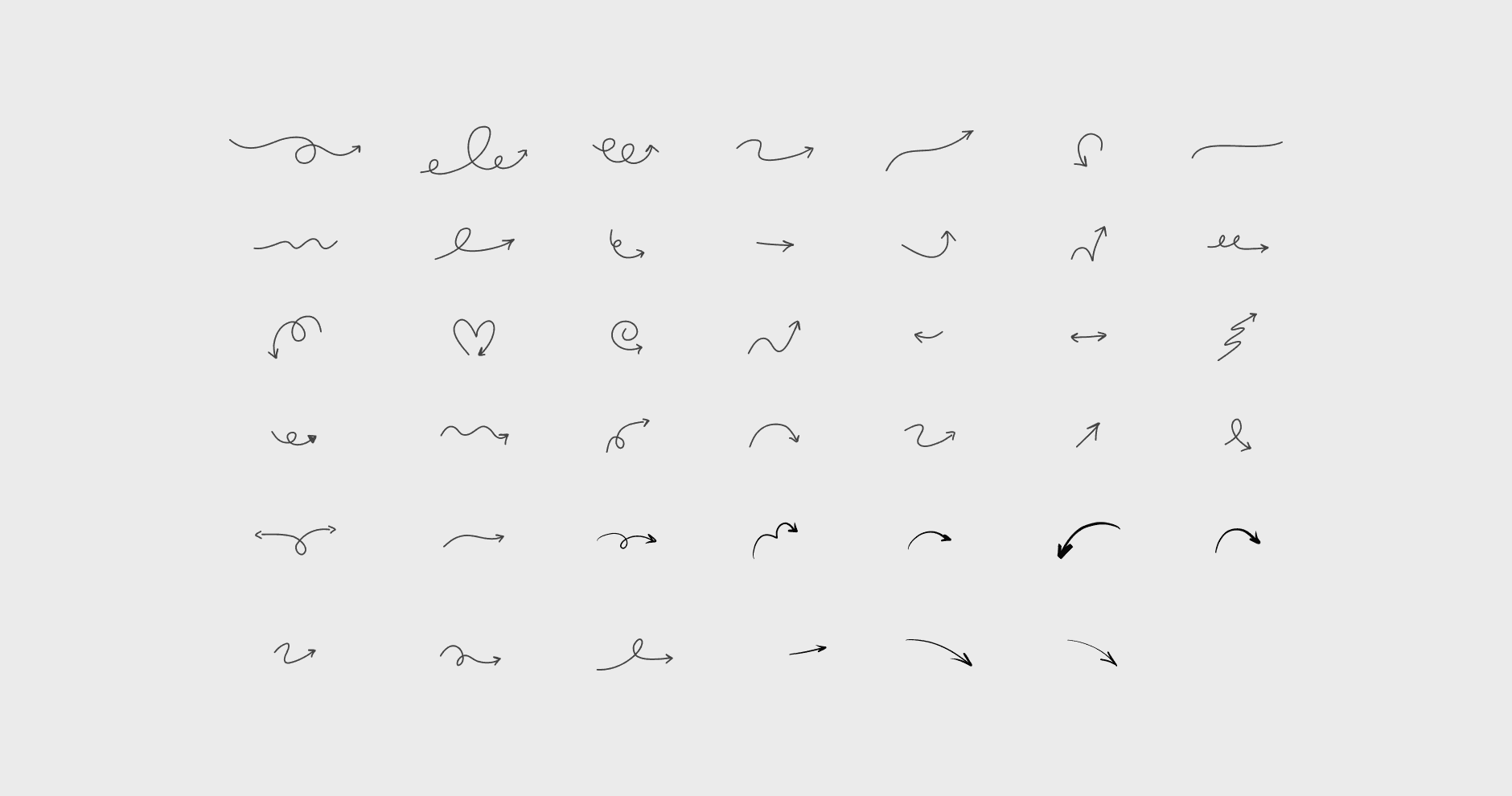
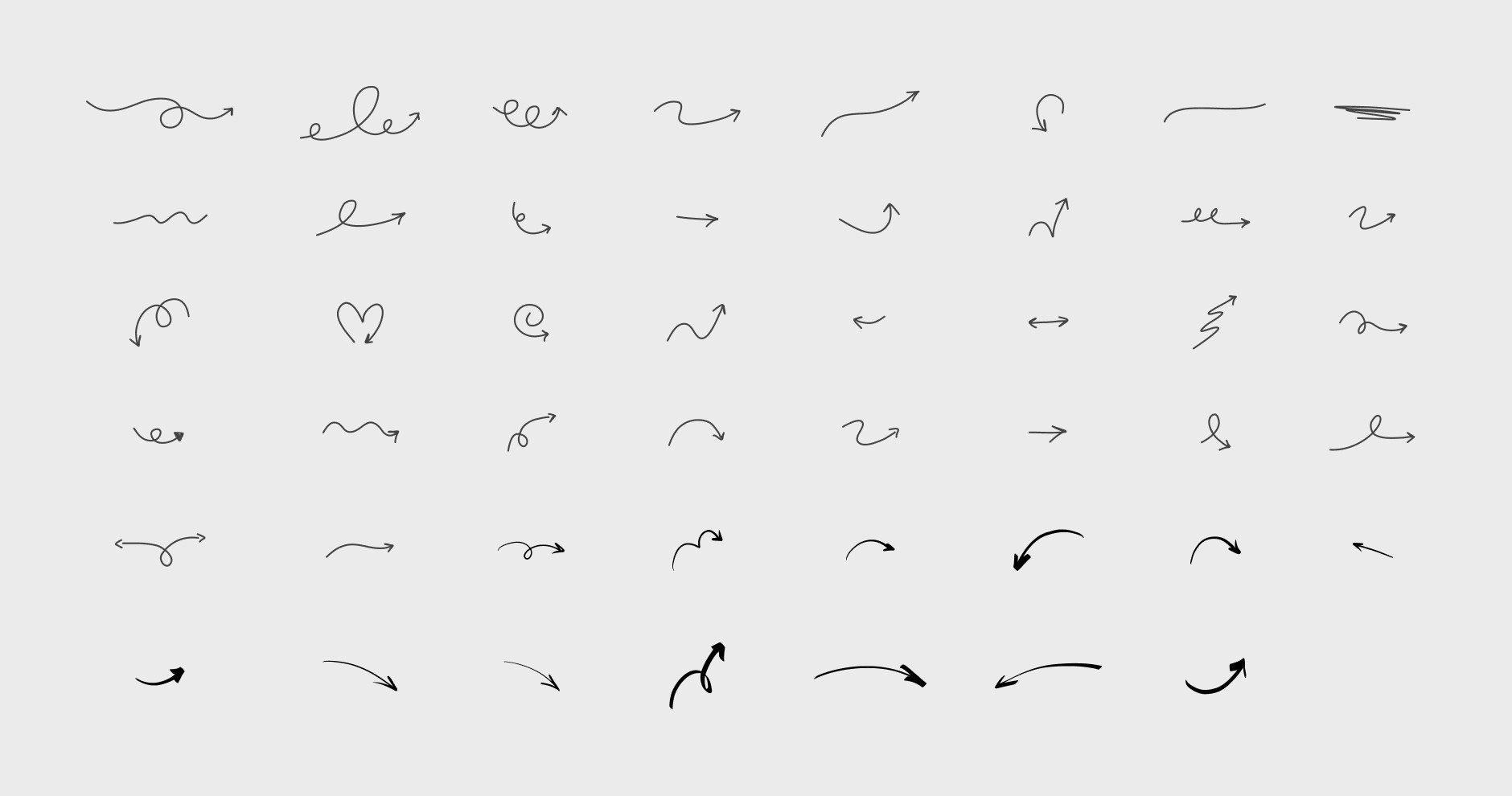
Beyond that, I gathered our icon set, UI illustrations (designed by our visual designer under my art direction) and hand-drawn arrows, and set them up as reusable components. They layer onto photos in campaign headers or stand on their own as spot illustrations.
Where people use it
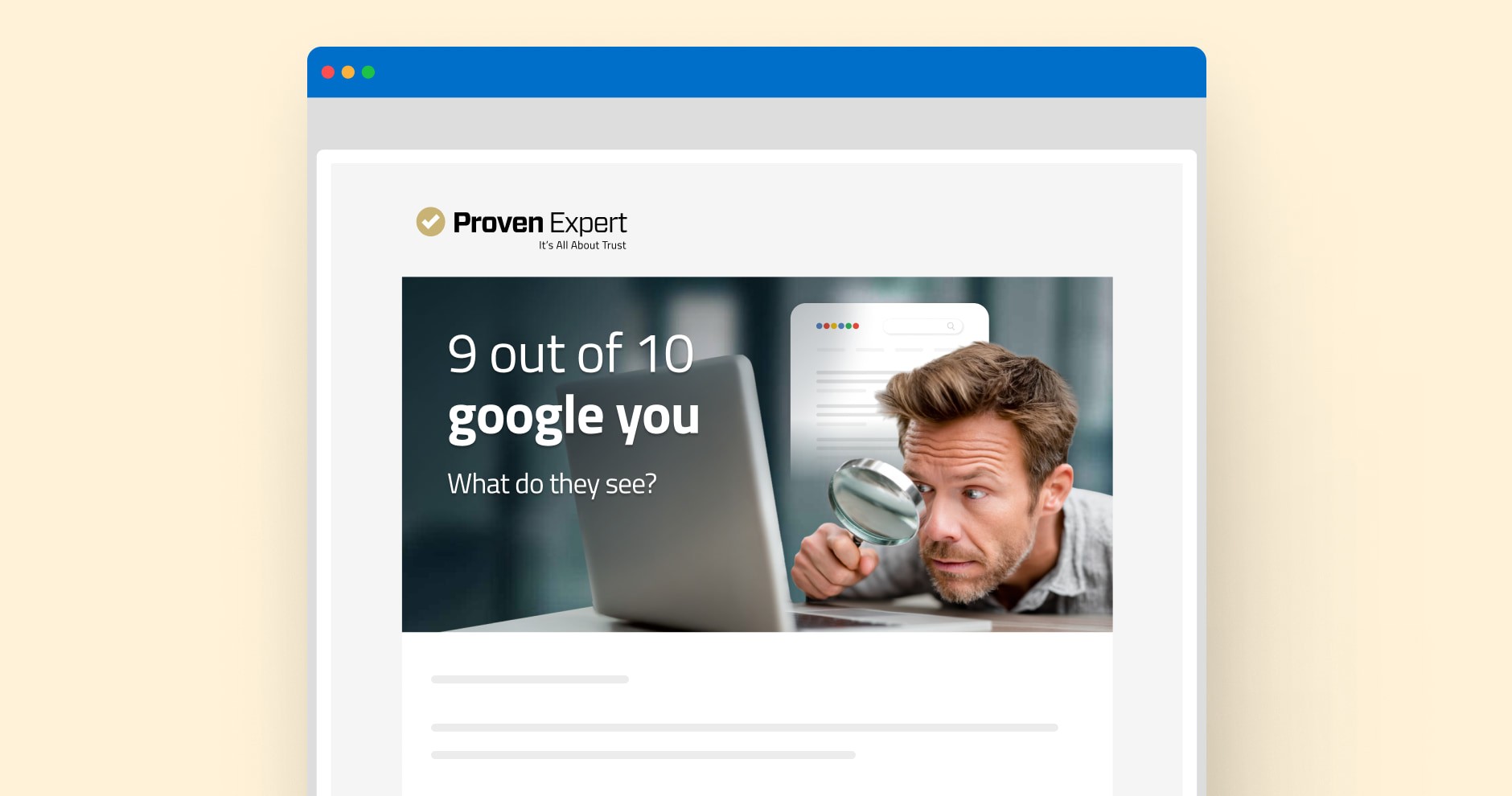
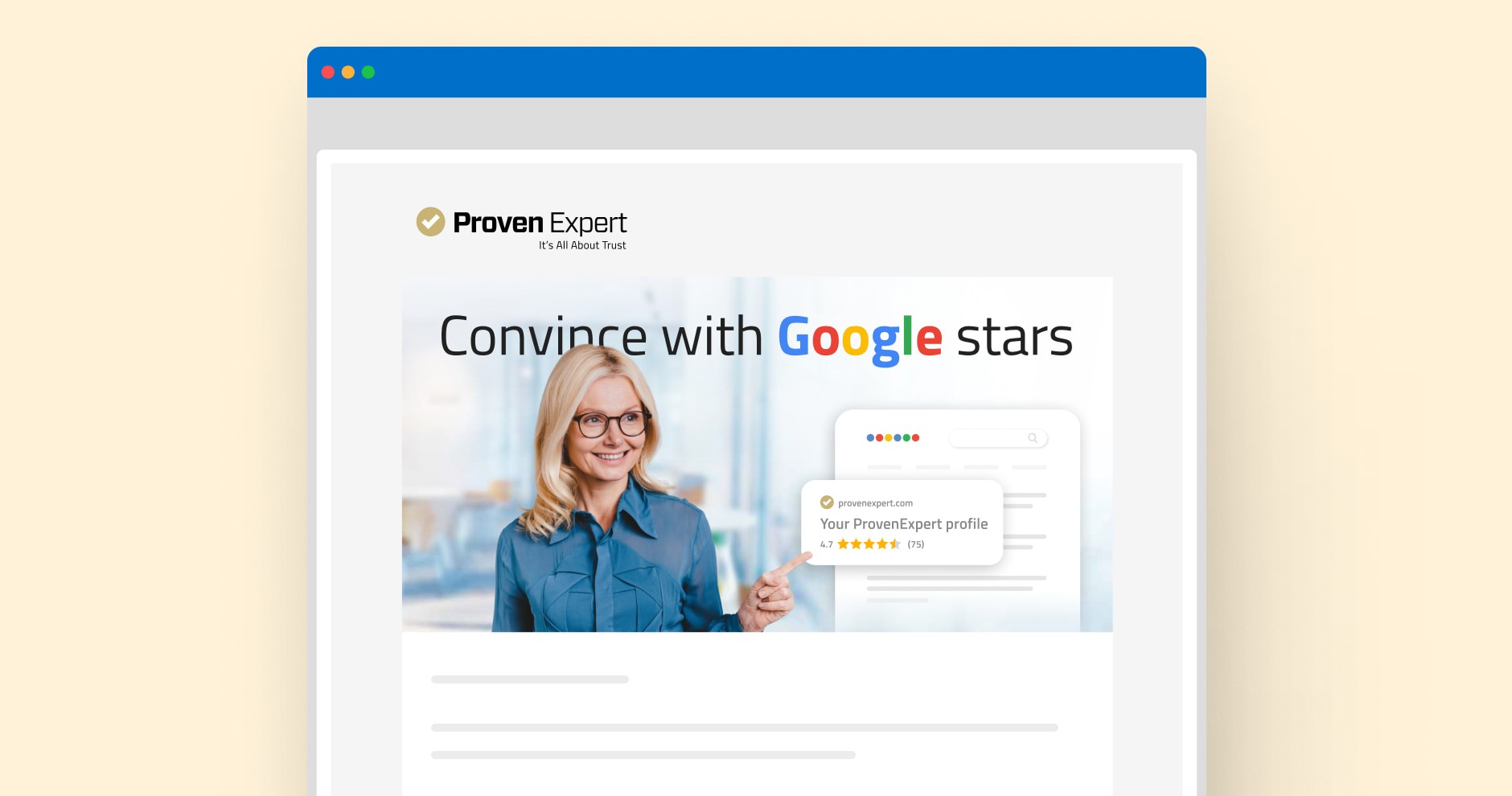
The library feeds email headers (shown here), blog post headers, newsletter graphics, lead magnet PDFs — and some illustrations also live in widgets on the product dashboard. Two freelancers, my visual designers, design interns and the social team pull from it every week.