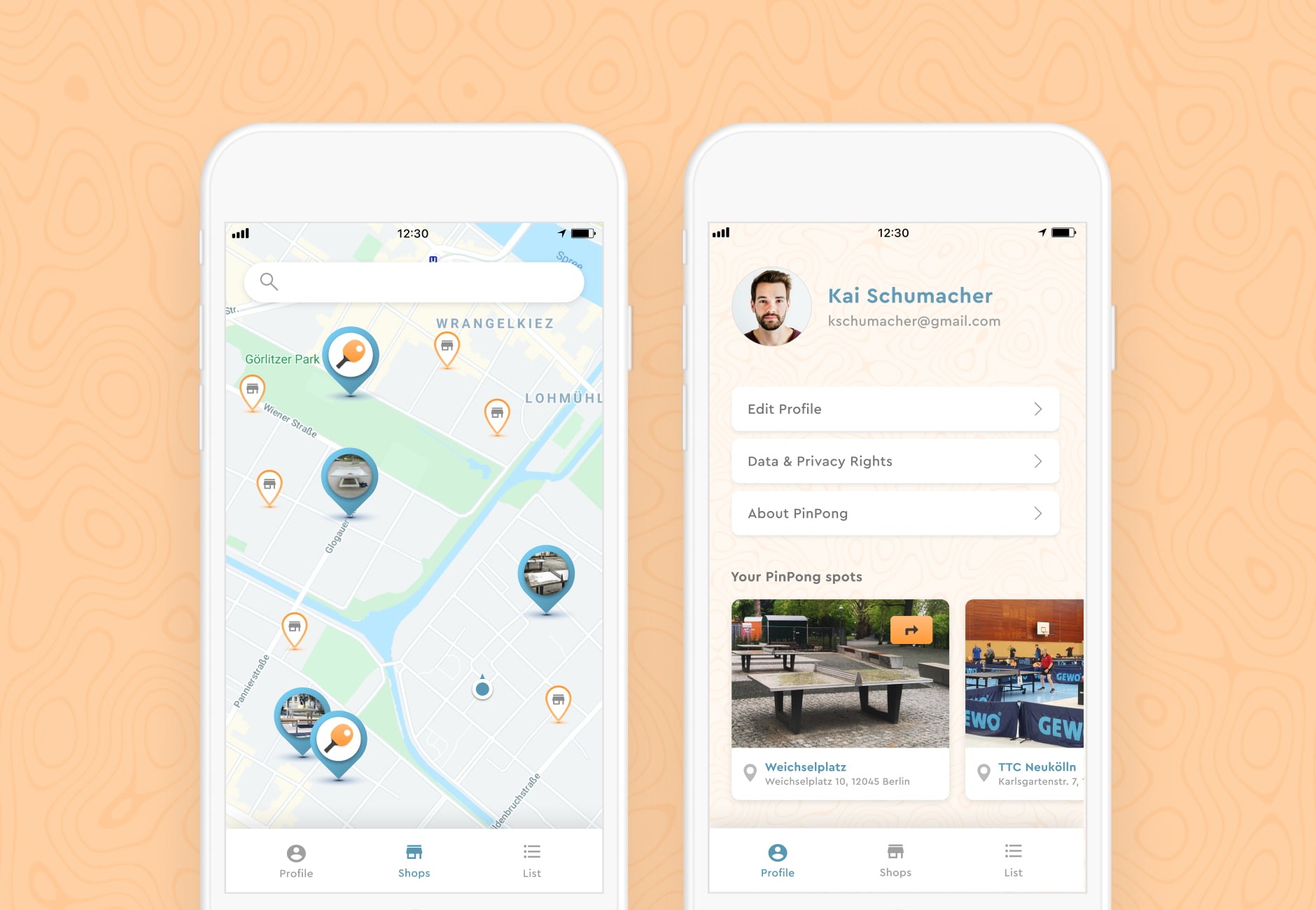
PinPong: Outdoor table tennis
Find, save, and share public ping pong tables in your city
Finding a public ping pong table usually means circling the block or asking a friend. PinPong is my concept for an app that maps nearby spots, shows each table's condition, and lets me share a location with friends in a tap. I took it from problem framing through to final UI.
Type
Conceptual Product — UI Foundry cohort
Role
UX/UI Designer
Focus
Location-Based Services
Year
2020
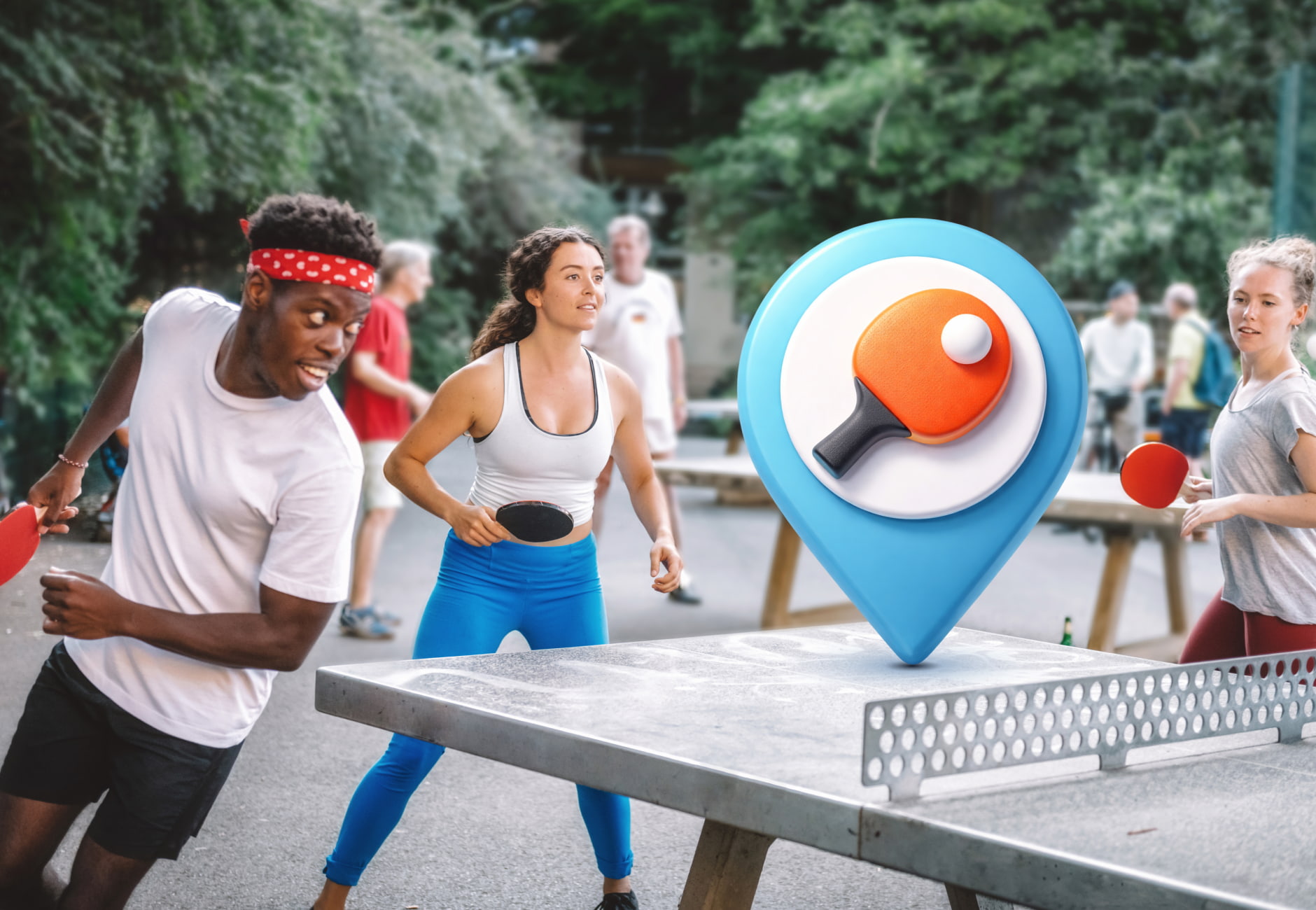
The friction I wanted to fix
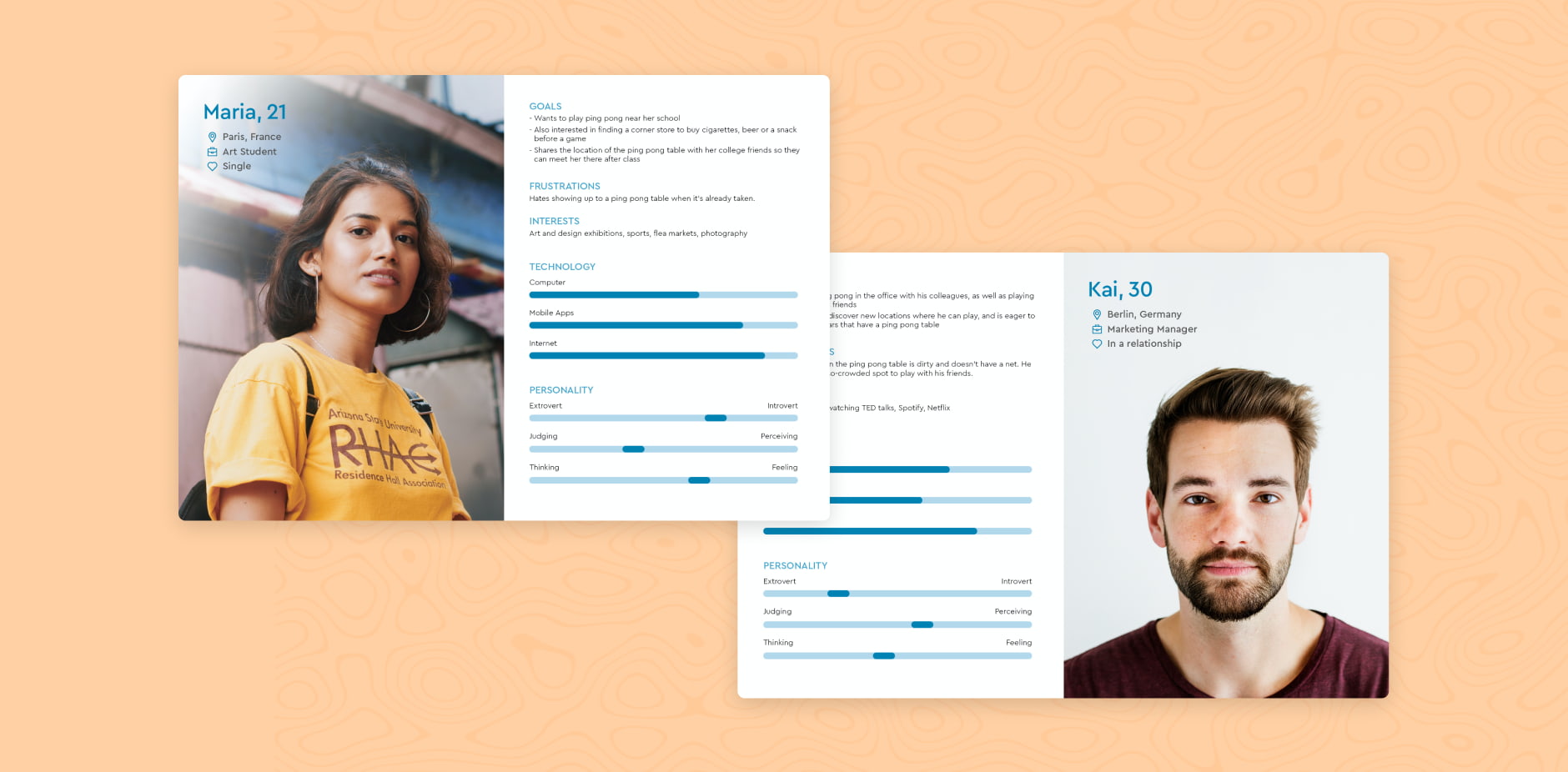
I wanted to play ping pong spontaneously, but in the city that means asking around or walking until I see a table. Half the time it's dirty, missing a net, or already taken. PinPong started with my own frustration — but to avoid designing only for me, I sketched two personas: Maria, an art student who plays near her school, and Kai, a marketing manager squeezing in pickup games at lunch.
Mapping out the app
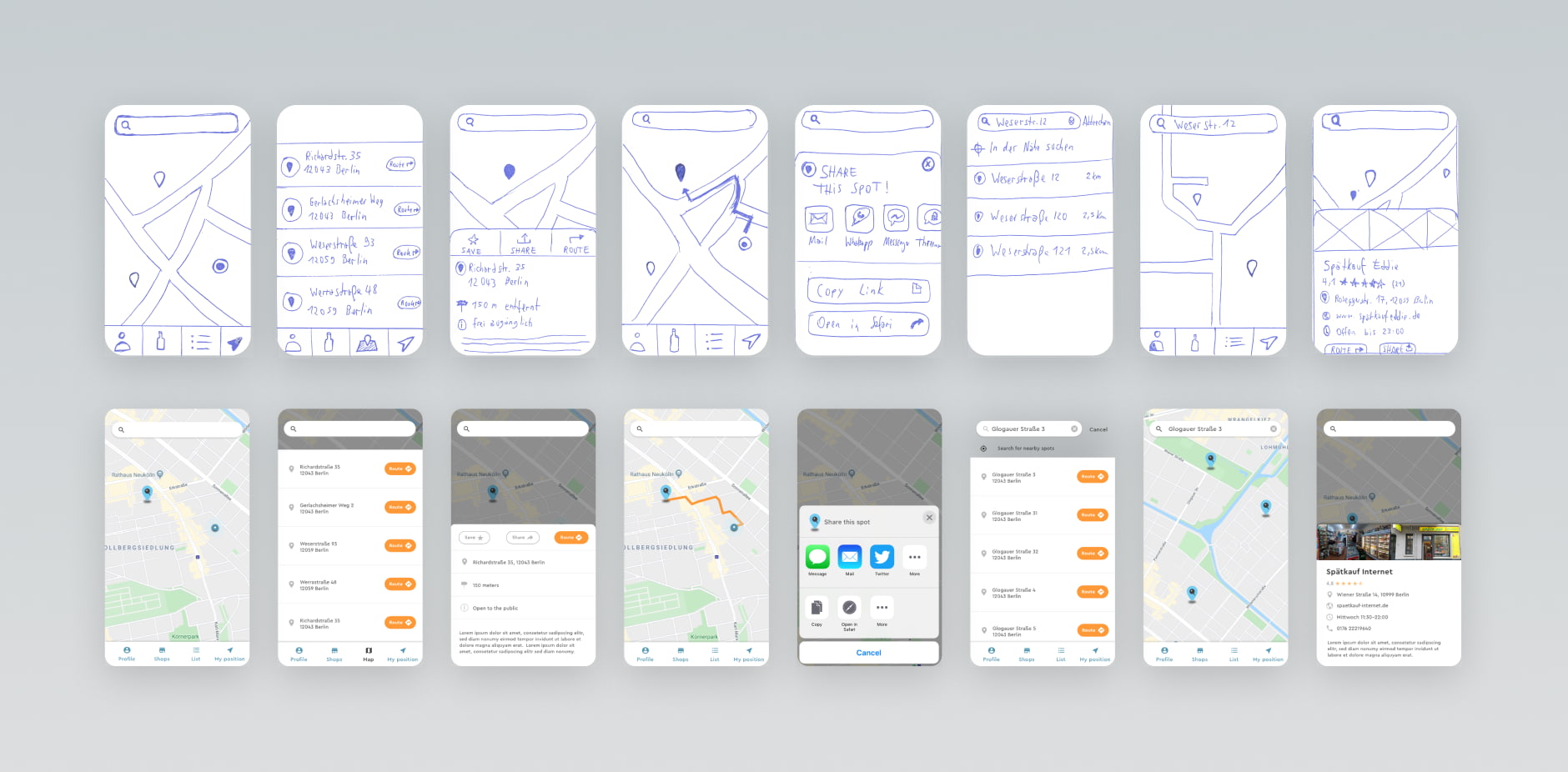
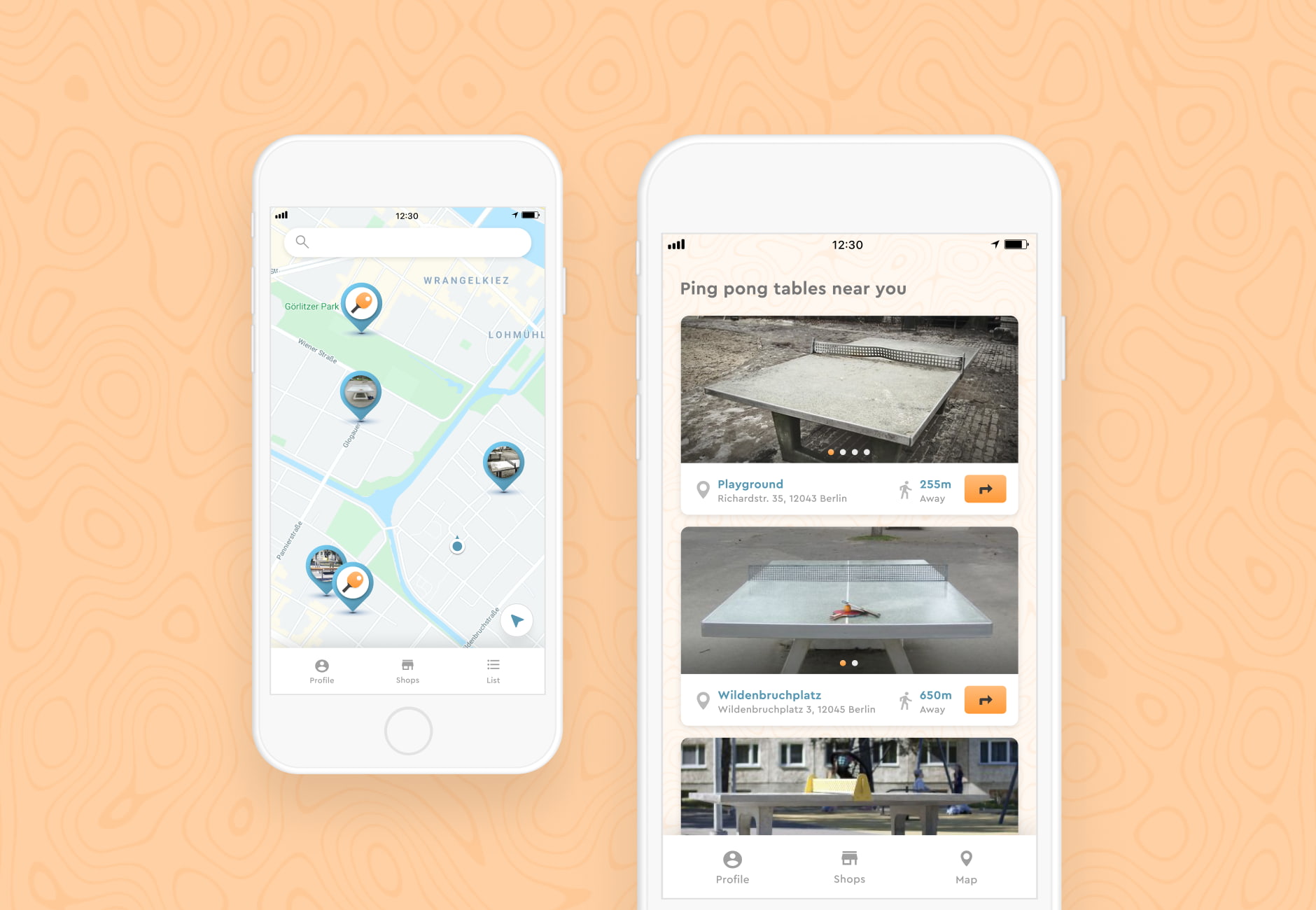
I started on paper, sketching flows for the core task: open the app, see a table, go play. On each iteration I cut more navigation until only three tabs remained. By launch, the map is the first thing you see — nearby tables are already pinned, no taps required.
The visual language
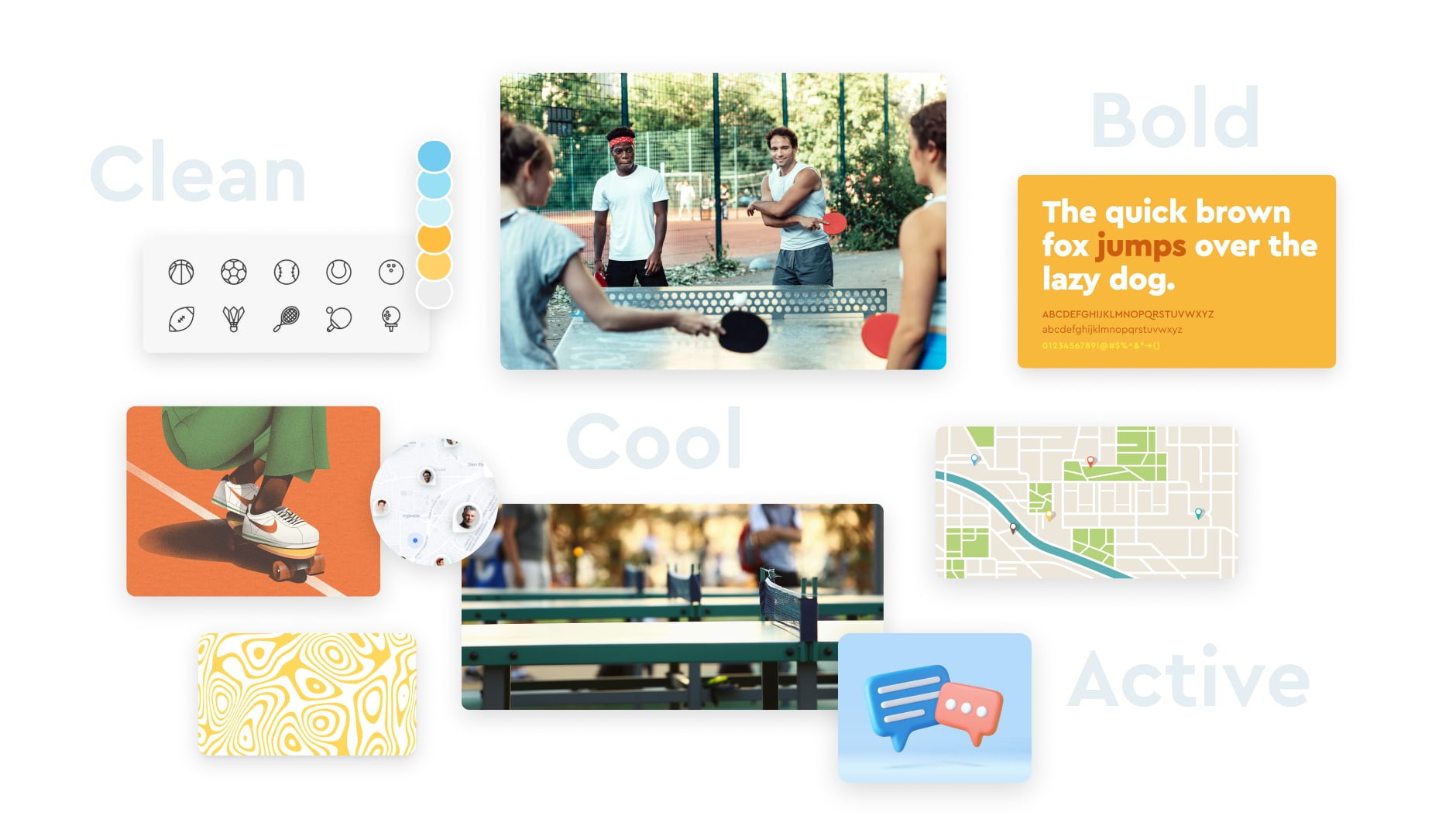
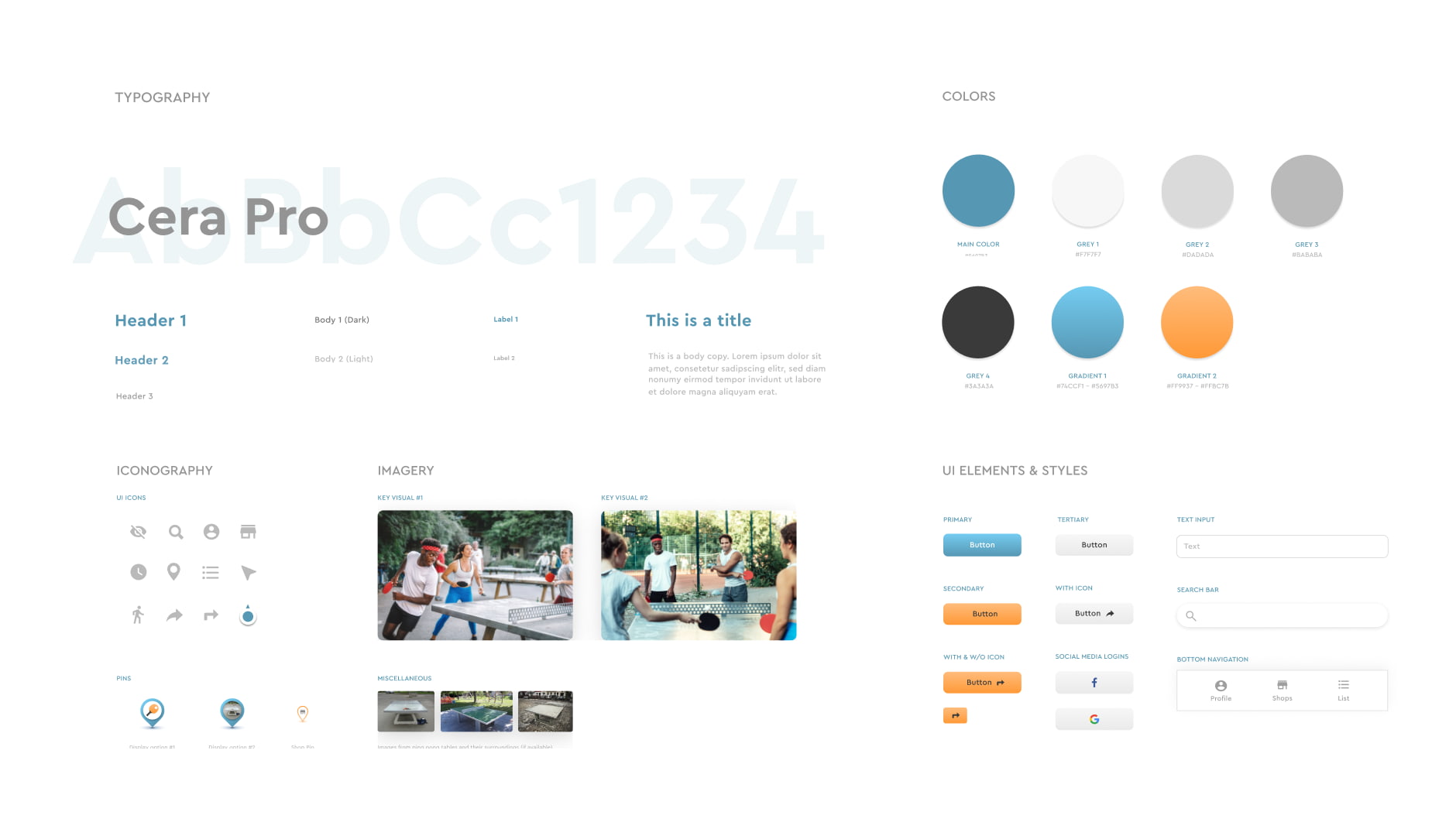
I paired cool greys and a confident teal with orange accents — the teal reads like wayfinding signage, the orange punches through for calls-to-action. A topographic line pattern in the backgrounds nods to maps without competing with them. Cera Pro handles the type.
Getting into the app
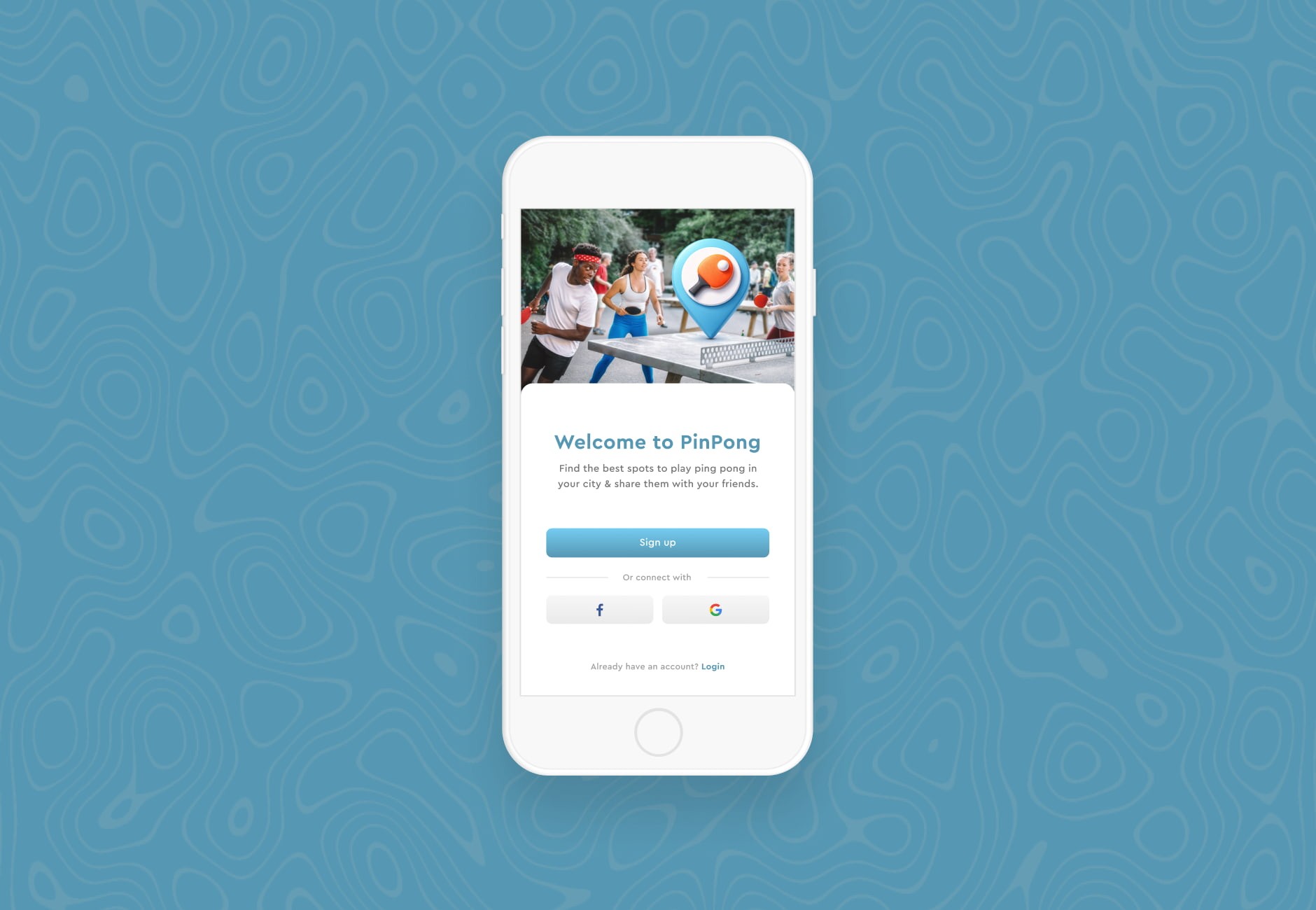
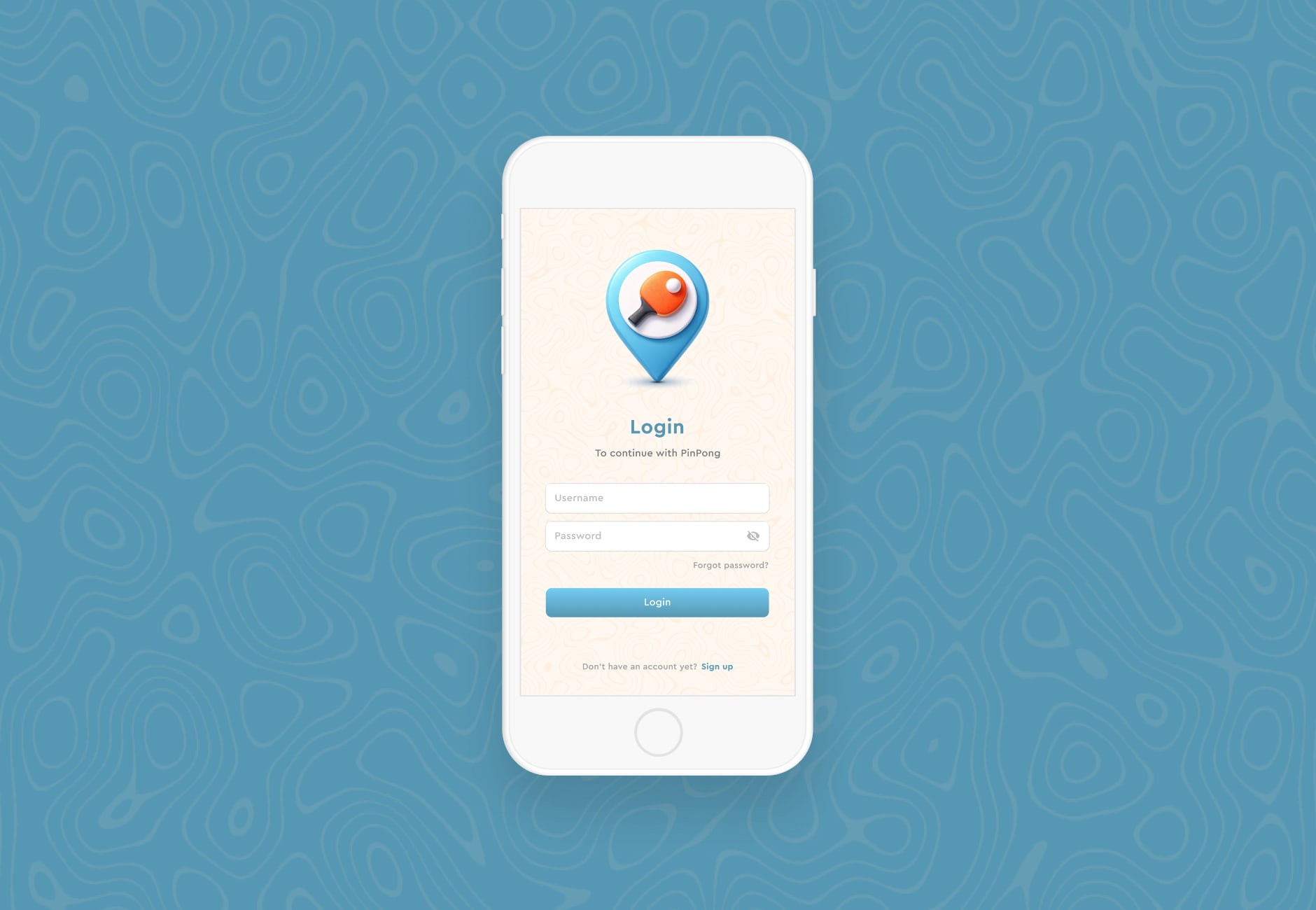
A forgotten password shouldn't stand between you and a game. I kept the sign-up to one screen with social login. The first screen after that is the map itself, with tables around you already pinned, no searching required.
Routing to a game
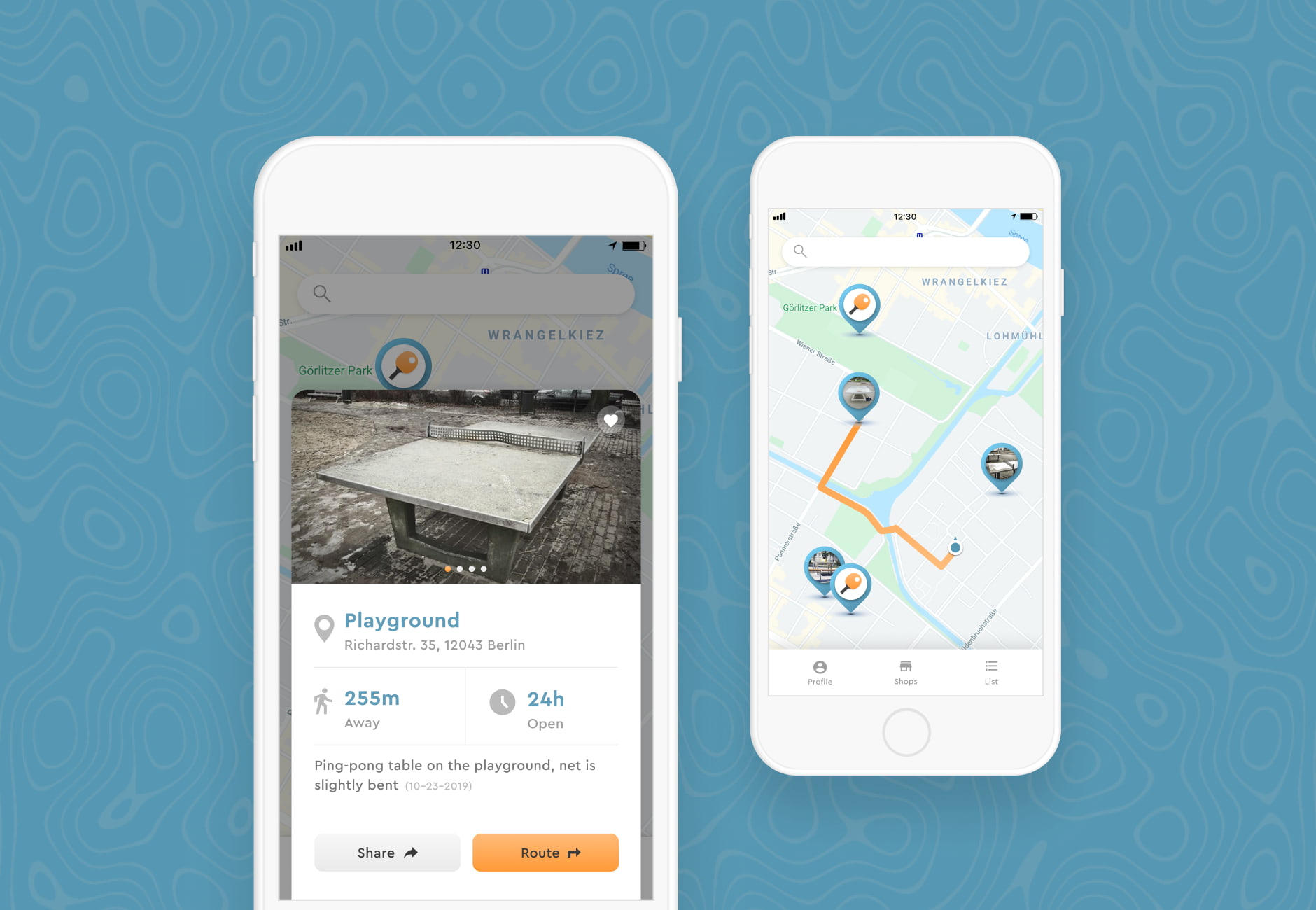
Tap a pin and a card slides up with a photo, distance, and a quick note on the table's condition. One more tap opens turn-by-turn walking directions — the handoff from discovery to walking shouldn't require thinking about which app you're in.
Shops and saved spots
Playing a game usually involves more than just the table itself. So the map also pins nearby kiosks, and your profile stores the tables you return to. Small adjacencies, but they're most of the ritual of going to play.